Batch encode queue
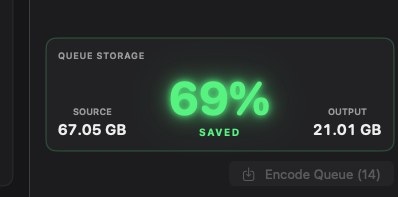
Import individual clips or an entire folder. Completed jobs report data rate and size relative to the camera original.
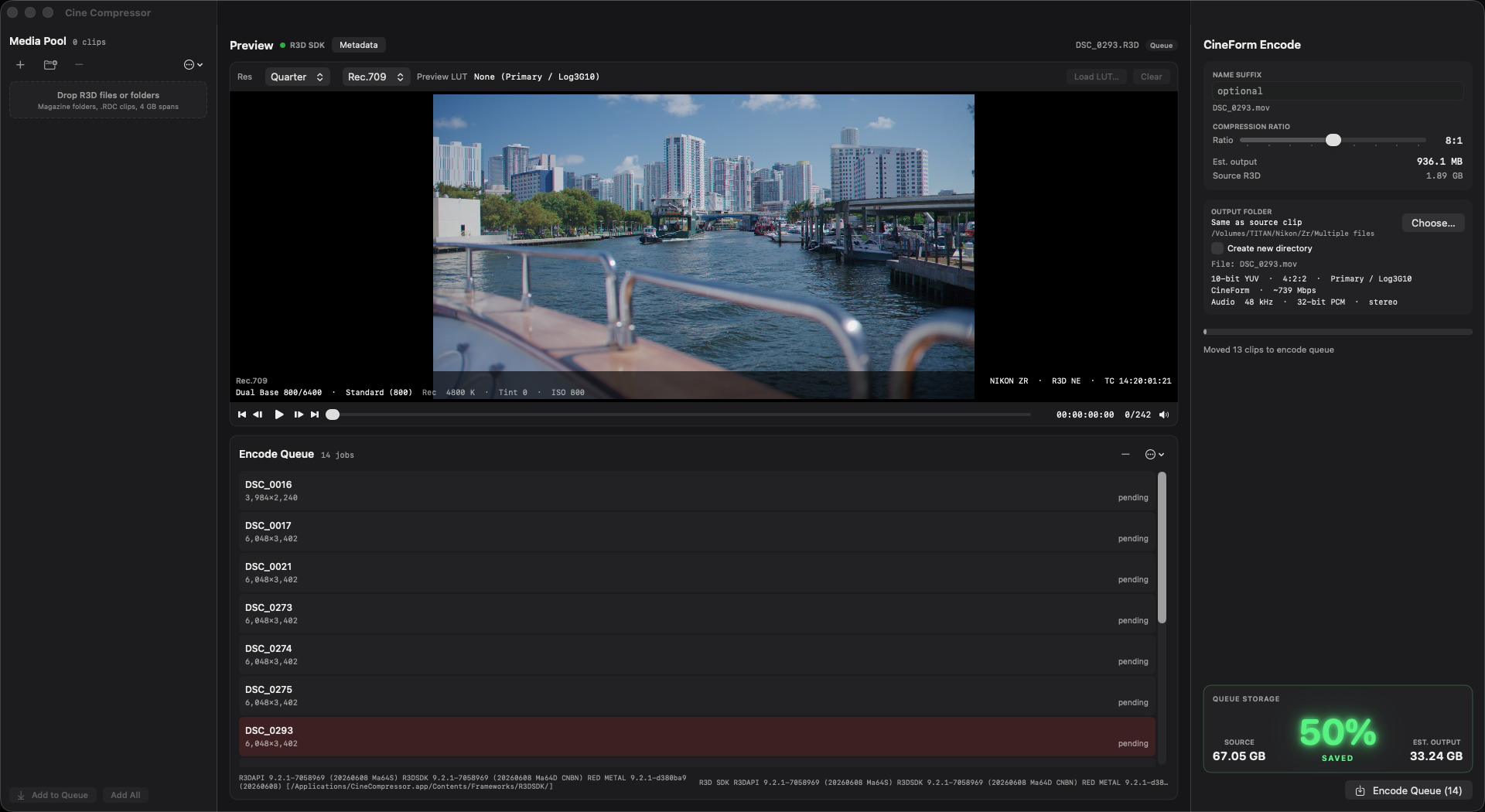
Encode original camera negative to CineForm. Visually lossless. Up to 74% smaller than the source. For macOS and Windows 11.
Independent product. Not affiliated with or endorsed by camera or codec vendors.
02 · What it does
Cine Compressor decodes RED .R3D and Nikon .NEV camera originals in-application and encodes 10-bit 4:2:2 CineForm in Primary Development — Log3G10 / REDWideGamutRGB. The result is visually lossless and remains in the same discrete wavelet family used by RED until DSMC3.
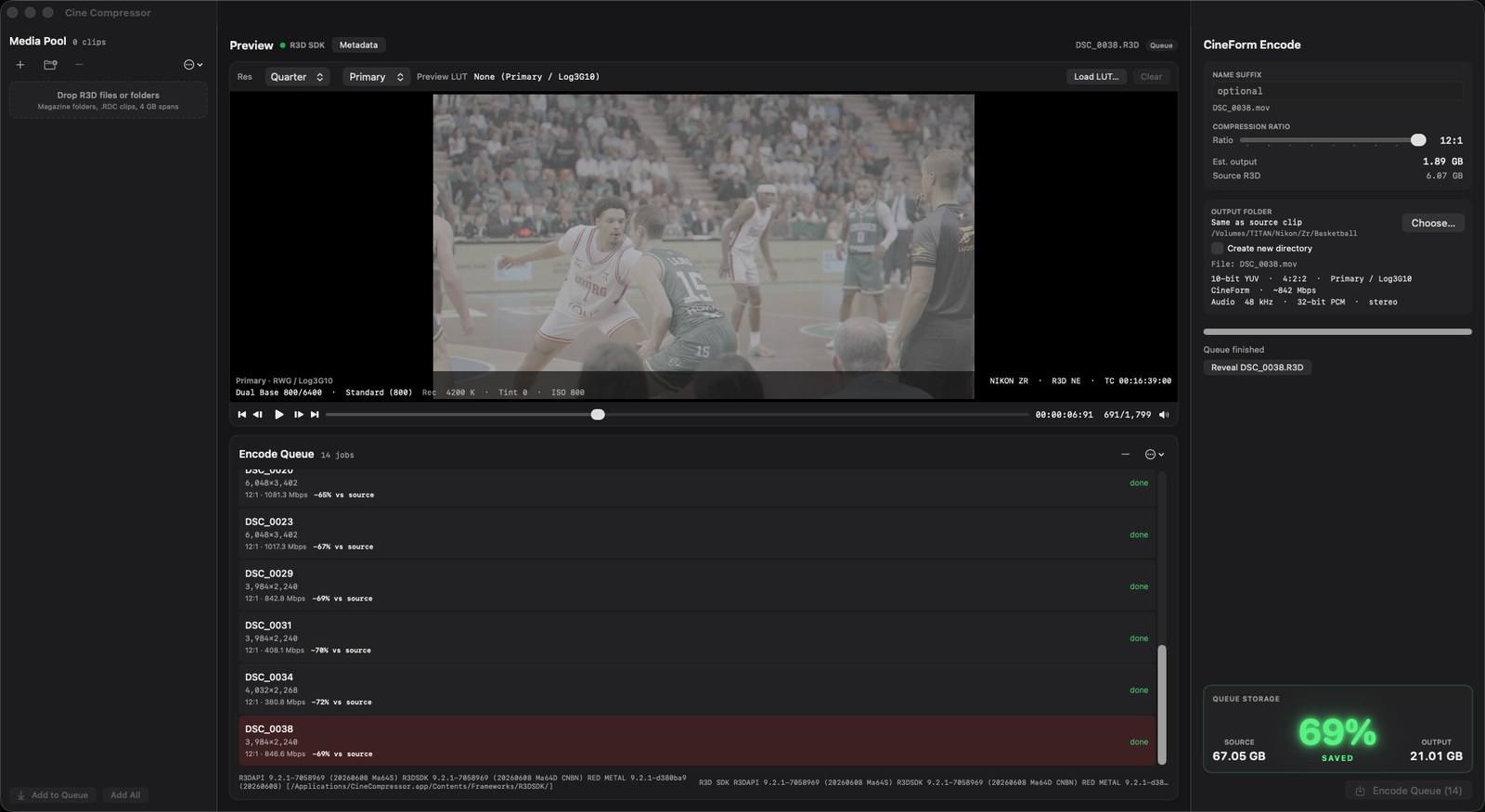
Import individual clips or an entire folder. Completed jobs report data rate and size relative to the camera original.
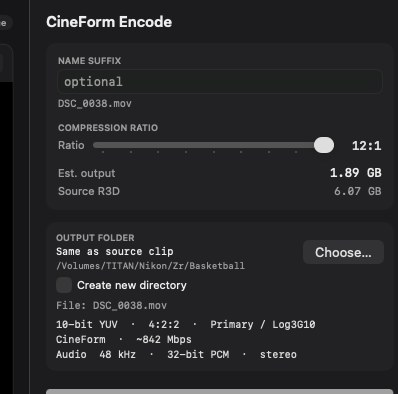
Select from 4:1 to 12:1. Lower ratios preserve more data. Higher ratios reduce file size. All ratios remain discrete wavelet CineForm.
Every encoded file is camera log, wide gamut. Rec.709 and .cube looks are preview only and are never written into the output.
Color temperature, tint, ISO, flash, and chroma noise reduction may be left as recorded or applied uniformly to the queue. Values are baked into the CineForm image.
Write beside the source, or to a folder you specify. Output is 10-bit YUV 4:2:2 CineForm in a QuickTime container.
RED and Nikon originals are decoded inside Cine Compressor. No additional host application is required to encode.
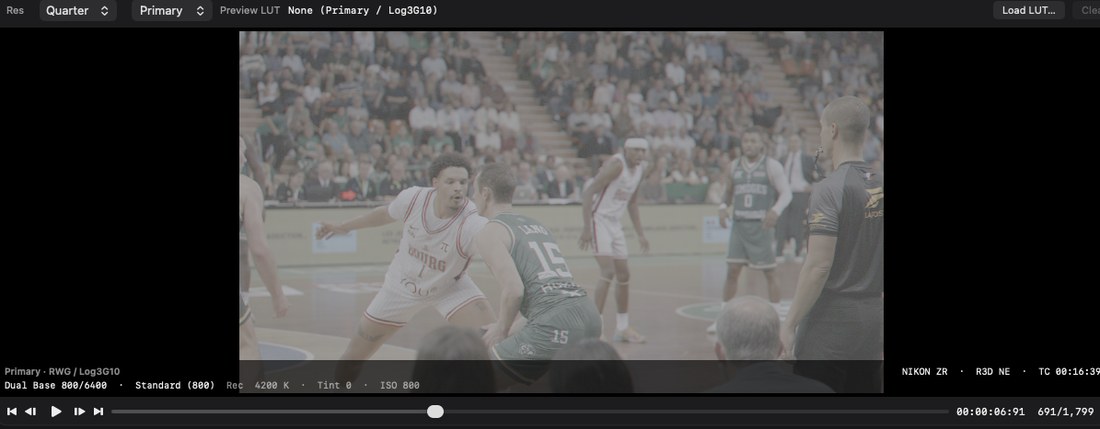
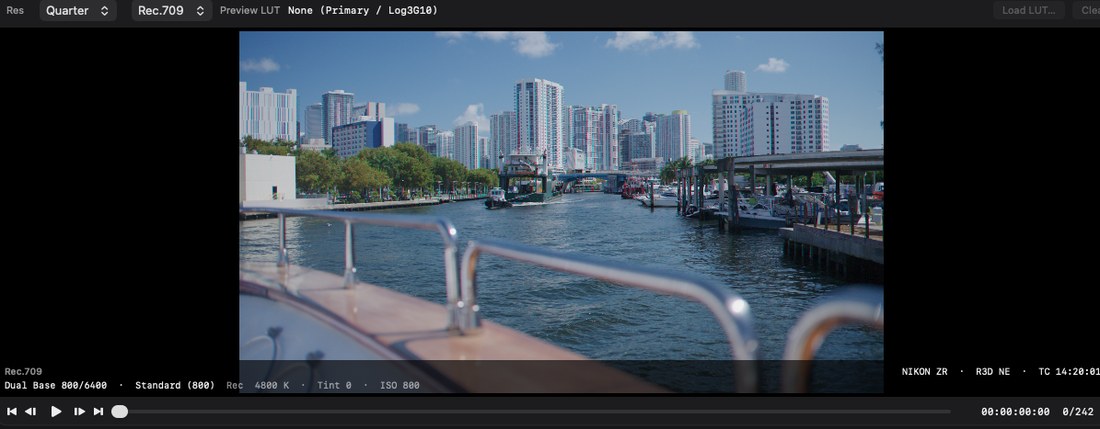
Preview · Rec.709 vs Primary
Preview may be switched between Primary Development and a Rec.709 viewing LUT. The viewing LUT affects the display only. The encoded CineForm file remains Log3G10 / REDWideGamutRGB.
03 · Why it’s different
CineForm uses a discrete wavelet transform — the same class of compression used in RED camera originals prior to DSMC3. ProRes and H.265 both use a discrete cosine transform: they partition the frame into blocks and compress each tile.
CineForm · DWT
CineForm becomes the new original camera negative, saving you space without losing detail. The file is visually lossless 10-bit log, and much smaller than the card. Detail is split by frequency, not a block grid. Compress harder and the image softens instead of tiling, so the file still grades.
Apple ProRes · DCT
ProRes is an 8×8 DCT codec and a strong interchange format between houses. It is familiar in editorial, but it is not the same transform as cinema RAW. Reconstruction is tiled, not a continuous field, so aggressive lifts can reveal the grid as ringing or mosquito noise around edges.
H.265 / HEVC · DCT
H.265 is a DCT codec built for delivery, not editorial. It partitions the frame into coding-tree units — variable blocks from 4×4 to 64×64 — then often predicts from other frames. That makes a small streaming file, not a working negative. Lifts expose blocking, banding, and mosquito noise.
Picture · 100% crops
Matched 100% crops from the Rec.709 frame, original camera negative beside CineForm. Open either still at 1920×1080.
8:1 · Nikon ZR
100% crop. Nikon ZR R3D. This clip went from 2.28 GB to 967.8 MB — 58% smaller.
 Source / R3D · 100%
 Output / CineForm · 8:1
10:1 · Nikon Z8
100% crop. Nikon Z8 R3D. This clip went from 29.8 GB to 14.54 GB — 51% smaller.
 Source / R3D · 100%
 Output / CineForm · 10:1
12:1 · Nikon ZR
100% crop. Nikon ZR R3D. This clip went from 2.63 GB to 753 MB — 71% smaller.
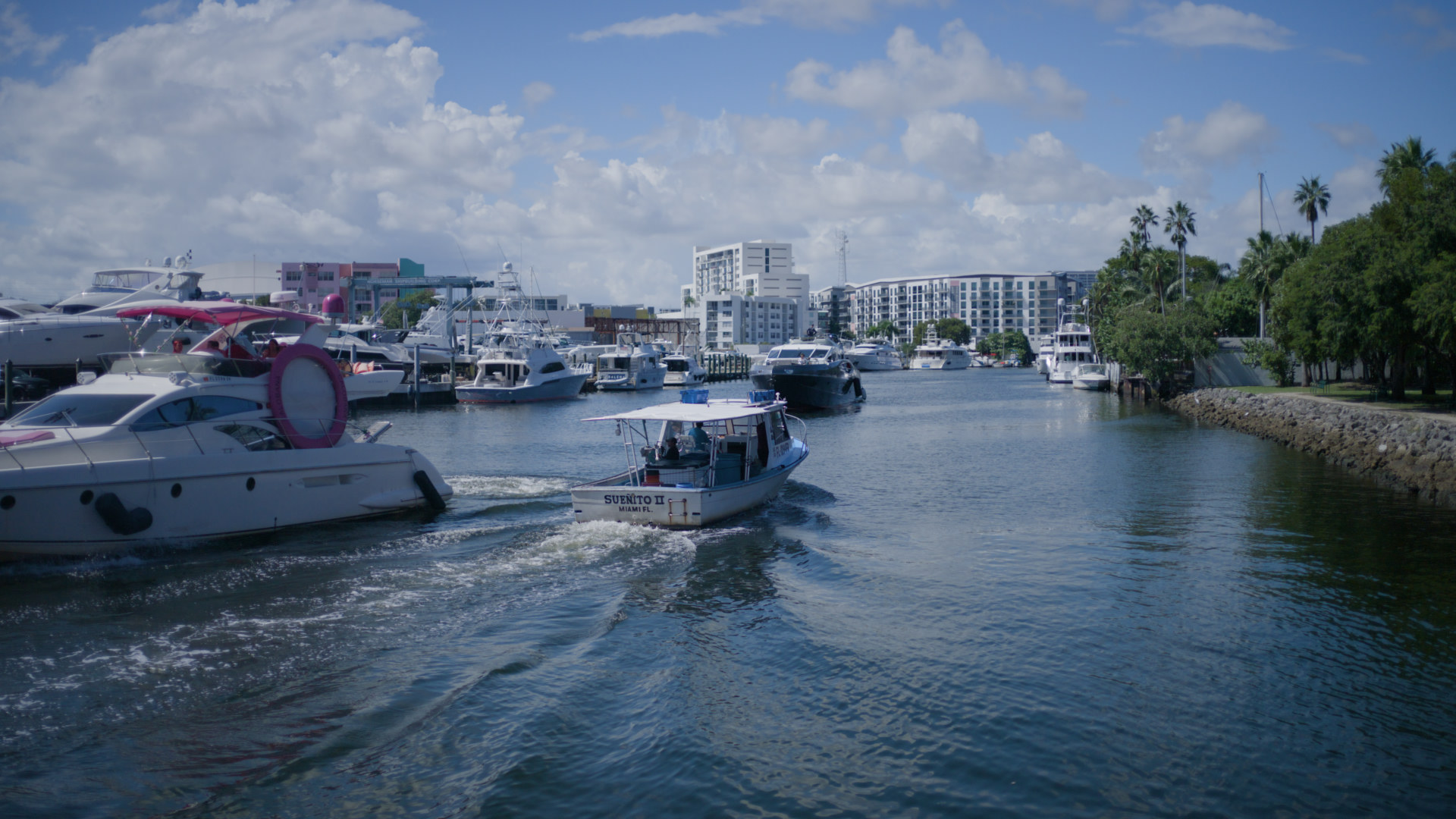 Source / R3D · 100%
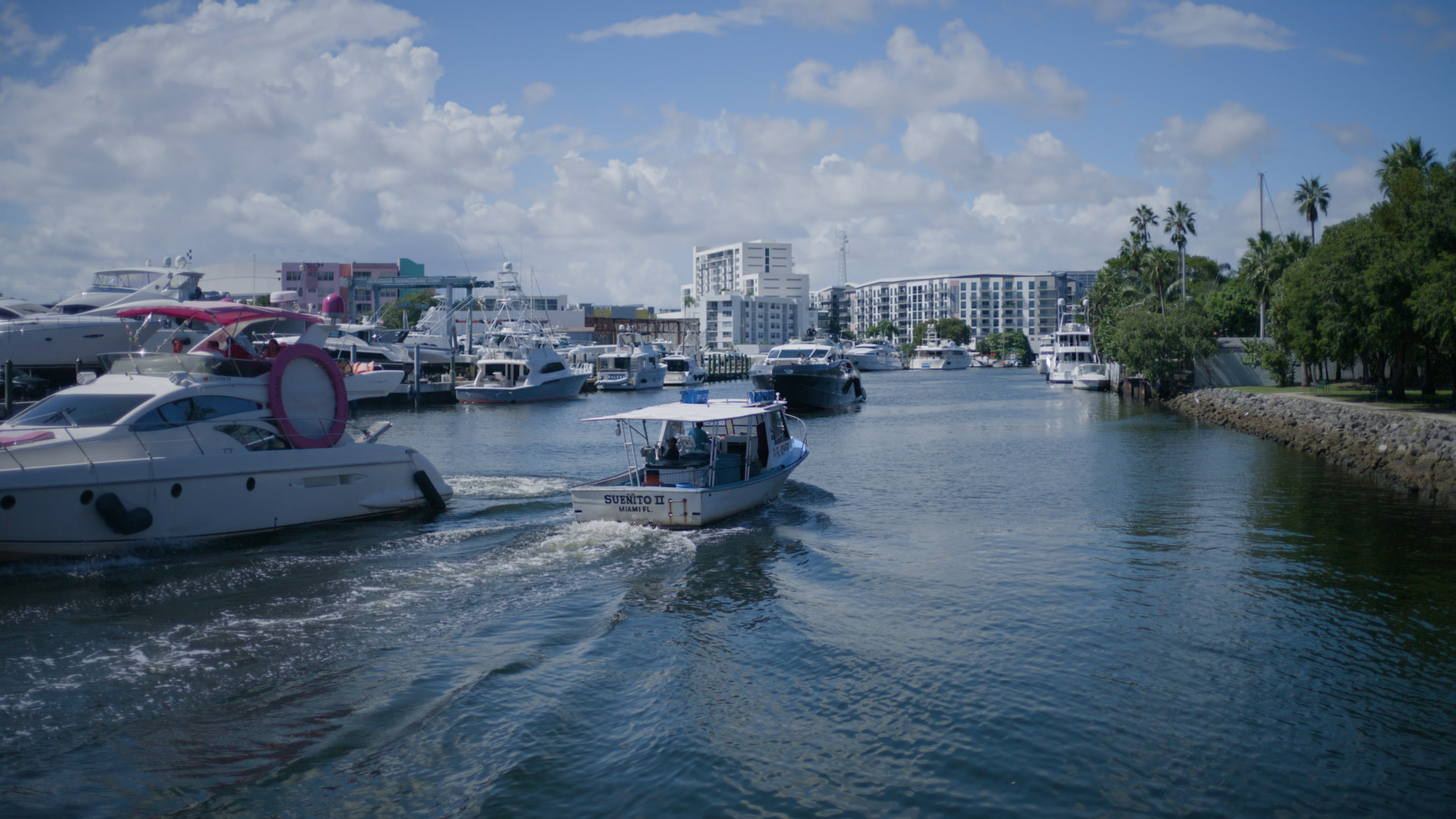 Output / CineForm · 12:1
04 · Workflow
Import the camera original, develop it to Primary Color, and encode CineForm. That file becomes the working negative for editorial and color.
Cine Compressor

Load RED .R3D or Nikon .NEV media from the camera card or copy. These files remain unmodified RAW until encode.
Retain as-shot color temperature, tint, ISO, flash, and chroma noise reduction, or apply a single development to the queue. Settings are recorded into the encoded image.
Choose 4:1 through 12:1. The transform remains CineForm discrete wavelet at every ratio. File size scales with the selected ratio.
Place the CineForm QuickTime on the timeline in place of camera original. The image is Log3G10 / REDWideGamutRGB with development already applied.
Editorial
Cut, conform, and version in any host with a CineForm decoder. The codec is intended for editorial, not only as an intermediate on disk.
In DaVinci Resolve, set Input Color Space to REDWideGamutRGB and Input Gamma to Log3G10, matching the Primary values shown in Cine Compressor, then grade as camera log.

Finish and deliver from the graded timeline. Use the CineForm encoded camera files for archive alongside your exported Master.
05 · How much space can I save?
CineForm is a visually lossless encoder. Ratio selects how much data is retained. Image quality remains suitable for color grading across the available range.
4:1 retains the most data. 8:1 is the standard production ratio. 12:1 yields the smallest files. All ratios are CineForm discrete wavelet.
06 · How much does it cost?
A one-time license of $39.99. No subscription. Install the trial, then activate from within the application.
07 · FAQ
RED .R3D and Nikon .NEV original camera negative. Cine Compressor decodes these formats internally and encodes CineForm at the selected compression ratio.
No. RAW development controls are not carried forward. The CineForm file is a compressed Log3G10 / REDWideGamutRGB encoding of Primary Development. Color temperature, ISO, and remaining metadata are baked into the image, not stored as sidecar RAW. Color grading proceeds from that log encoding. The image is not re-debayered.
Nothing additional. The camera decoder is built into Cine Compressor. Import media and encode.
Always Primary Development: Log3G10 / REDWideGamutRGB. Rec.709 and .cube looks are preview only. In DaVinci Resolve, set Input Color Space and Input Gamma to the Primary values displayed in Cine Compressor.
DaVinci Resolve, Adobe Premiere Pro, and After Effects decode CineForm natively. Other hosts that include a CineForm decoder may be used the same way. Final Cut Pro does not decode CineForm. For Final Cut Pro, retain the camera original or transcode to a supported codec.
The encode is visually lossless, not mathematically lossless. Typical reductions reach up to 74% versus camera original while remaining suitable for color grading.
Open Metadata, set color temperature, tint, ISO, flash, and chroma noise reduction, then apply to the queue. Restore All Queued returns each job to its recorded camera metadata.